
After signing up for the Abbax Business Phone System:
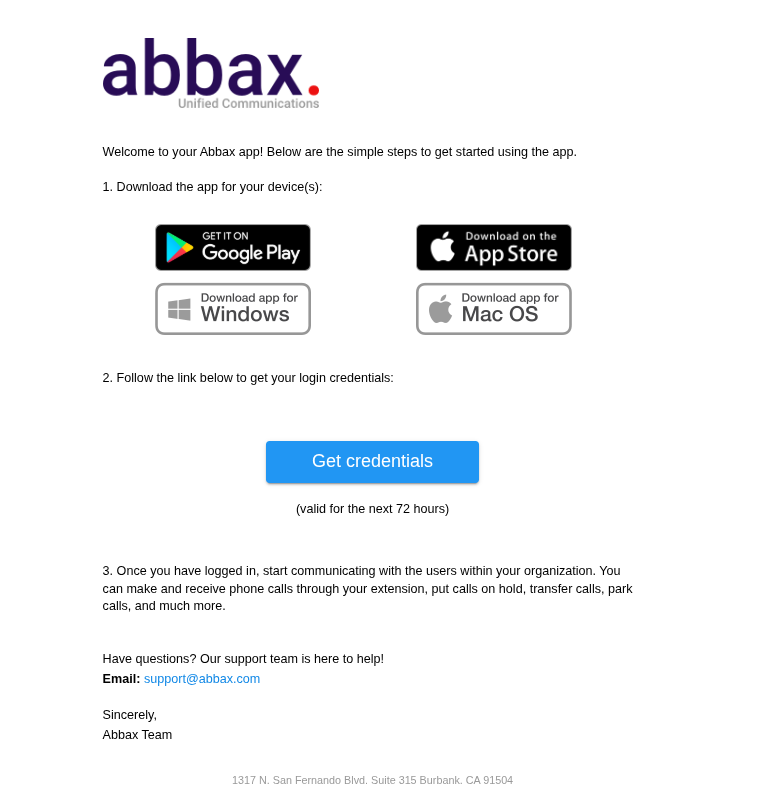
Each user will receive an email containing download links for (please see image below):
- Windows application
- Mac application
- iOS application
- Android application
To download:
Click on the link for the software you wish to download.
Follow the installation steps provided.
To obtain your credentials:
Click on the "Get Credentials" button.
You will be redirected to our app portal where you can view your credentials.
Important notes:
Credentials will only be available on the portal for 72 hours.
Ensure you keep your login credentials in a safe place in case you log off the application.